Brixx, Brno: 3D reconstructions
Three ways of turning four marketing renders of the Brixx development into a 3D model, compared on the same views. All models open in the browser; drag to orbit.
Astra, procedural Blender model
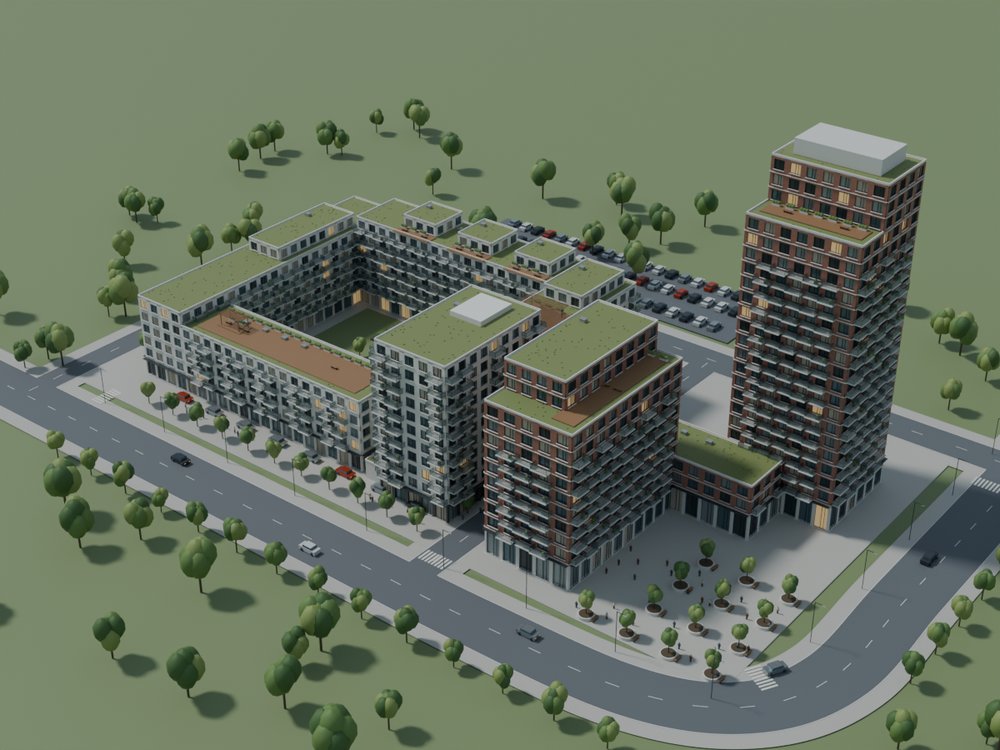
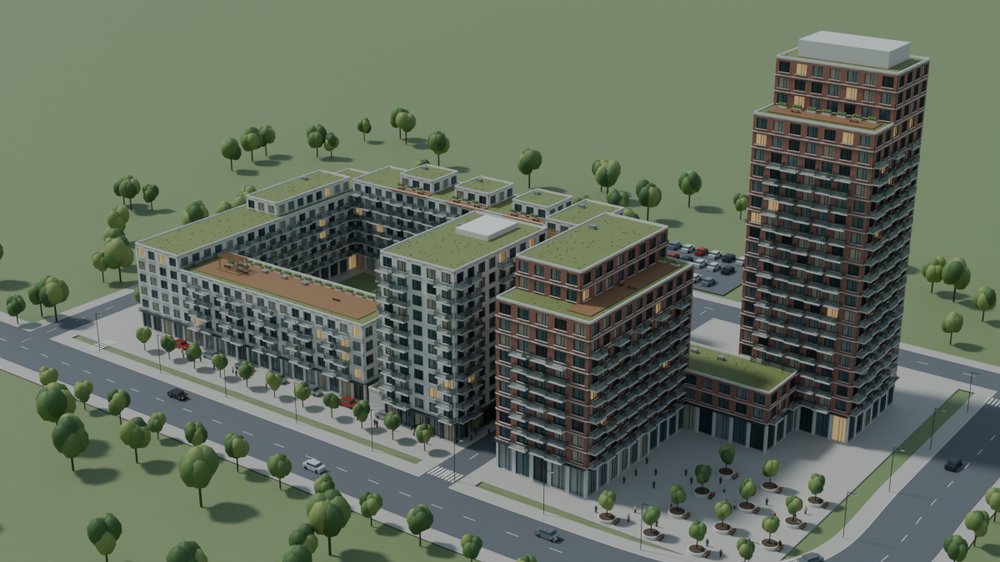
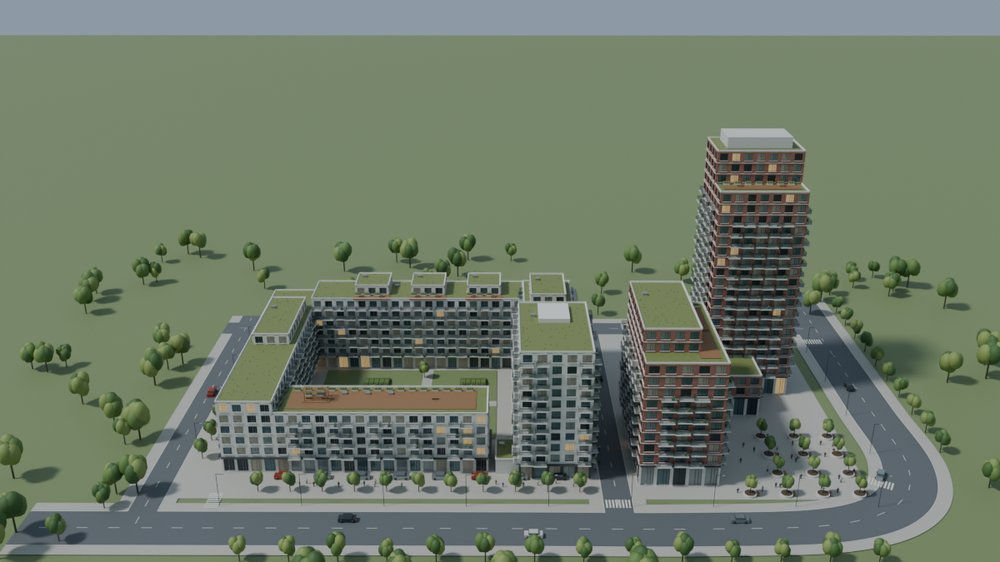
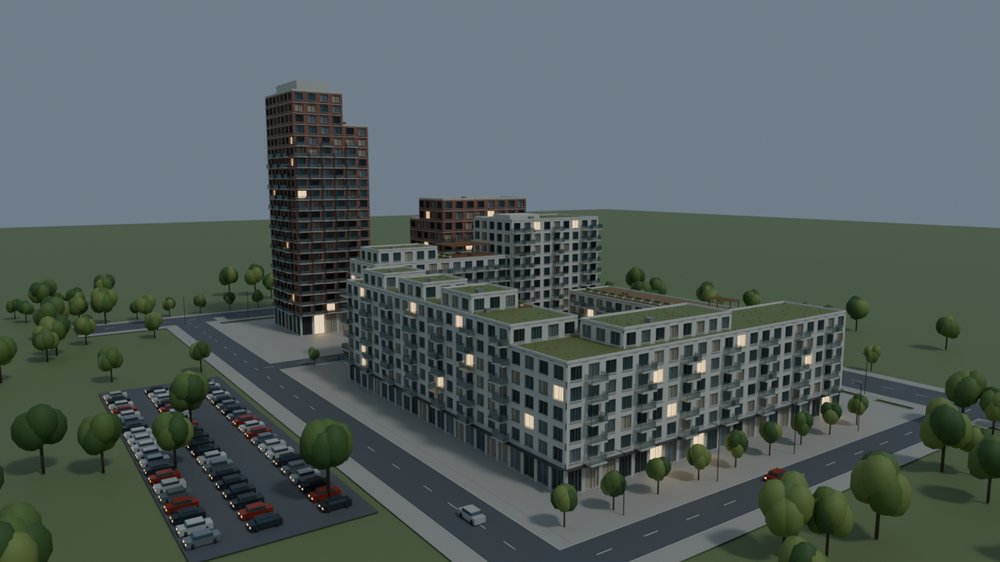
An agent (gpt-6-astra) derived a site plan from the renders and wrote a Python script that builds every building in Blender.
- Clean, measurable geometry: storeys, balconies, railings, roofs
- Correct layout; facades are a regular, simplified pattern
- Looks the same from every angle
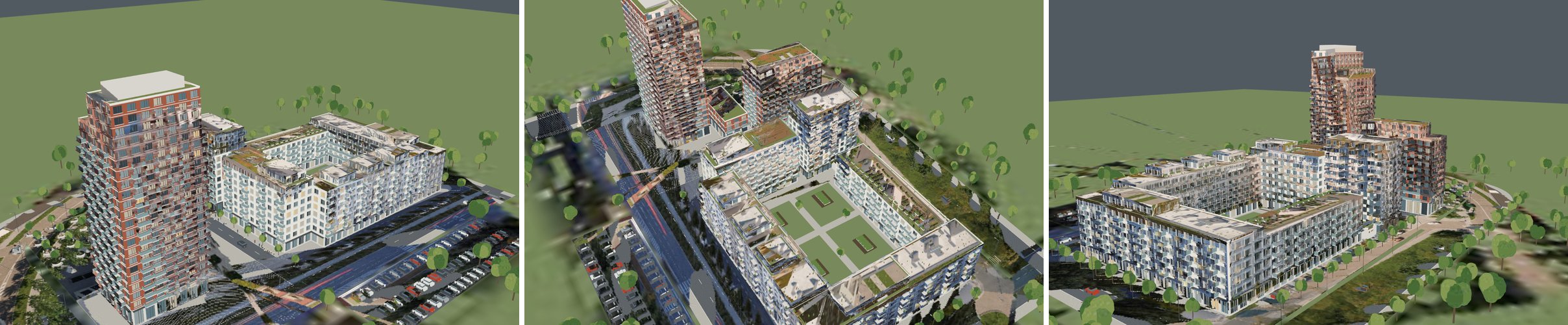
Astra, photo-projected textures
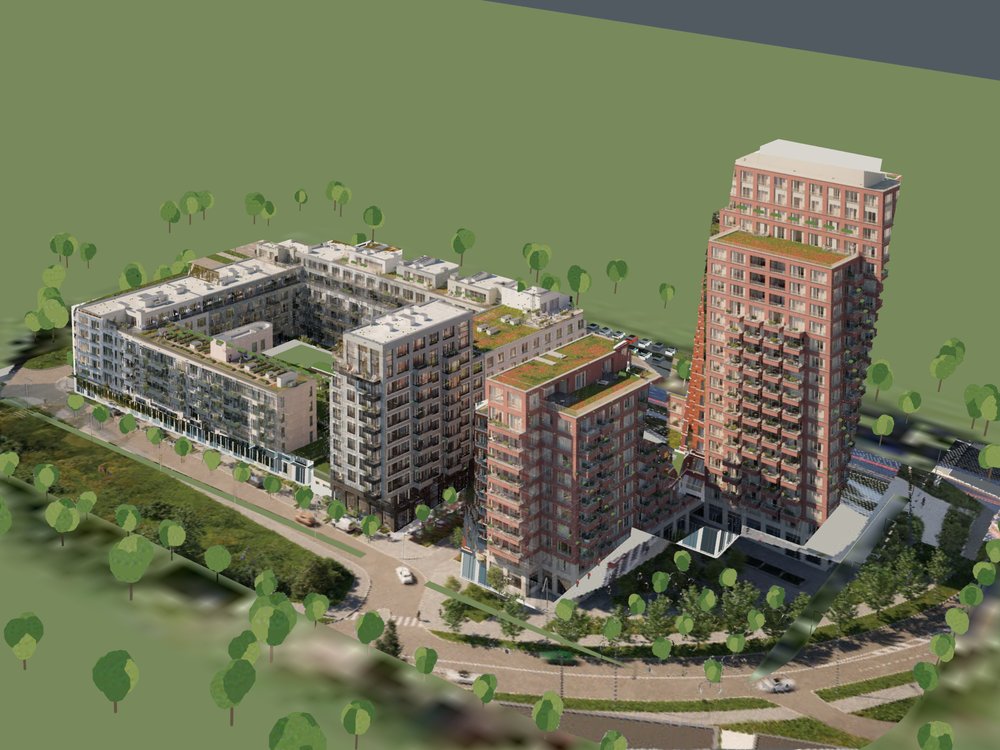
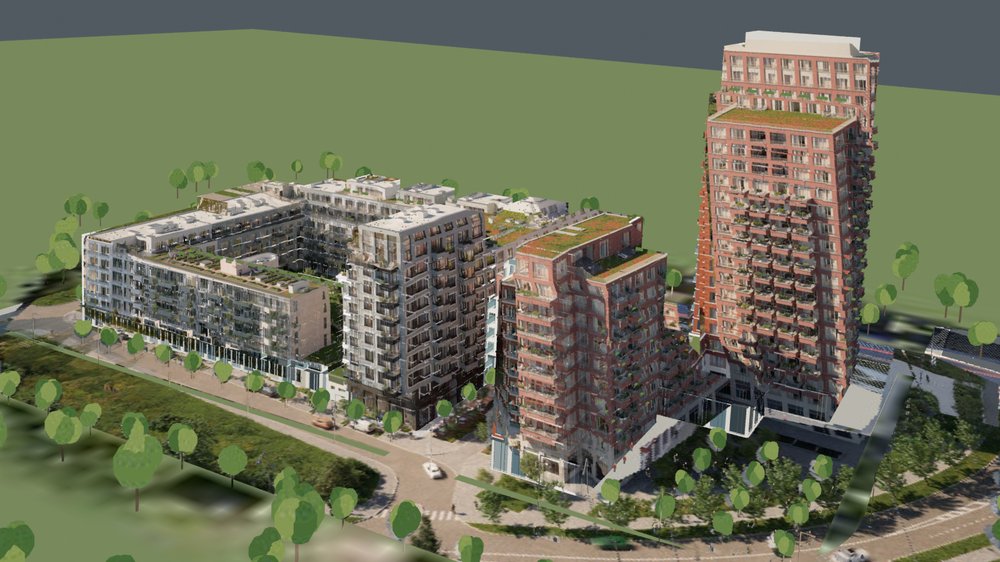
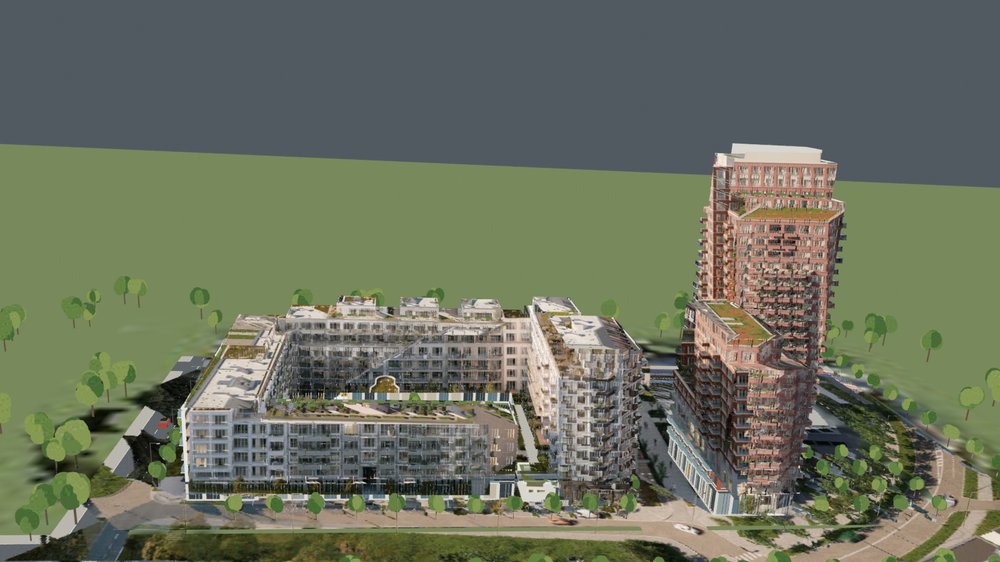
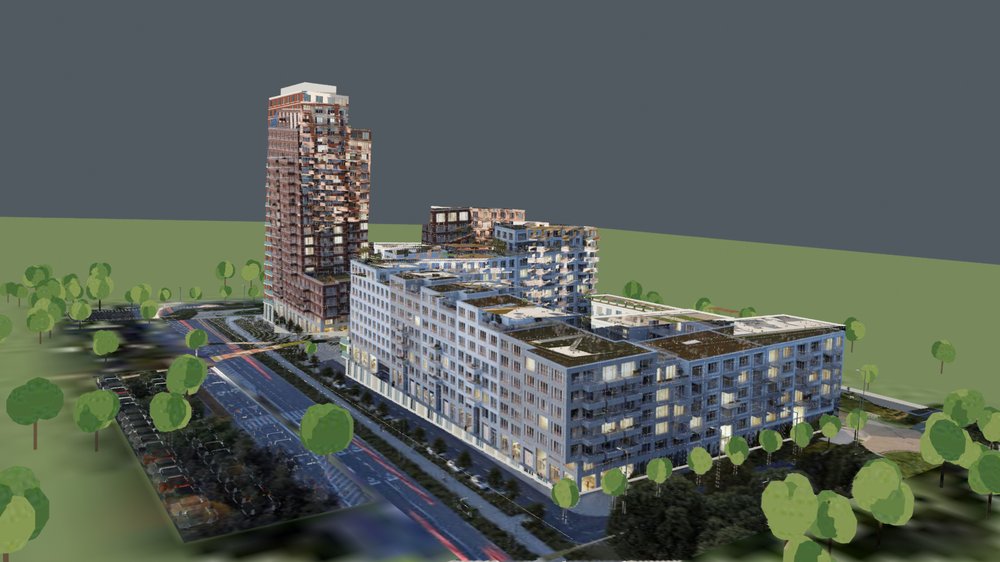
Same model, cameras refitted to the renders, then the renders themselves baked onto the surfaces (the idea behind image-blaster's use of the source image).
- Photographic facades near the four reference views
- Smearing and ghosting where geometry and render disagree, and on the ground
- Hidden sides keep the procedural colours
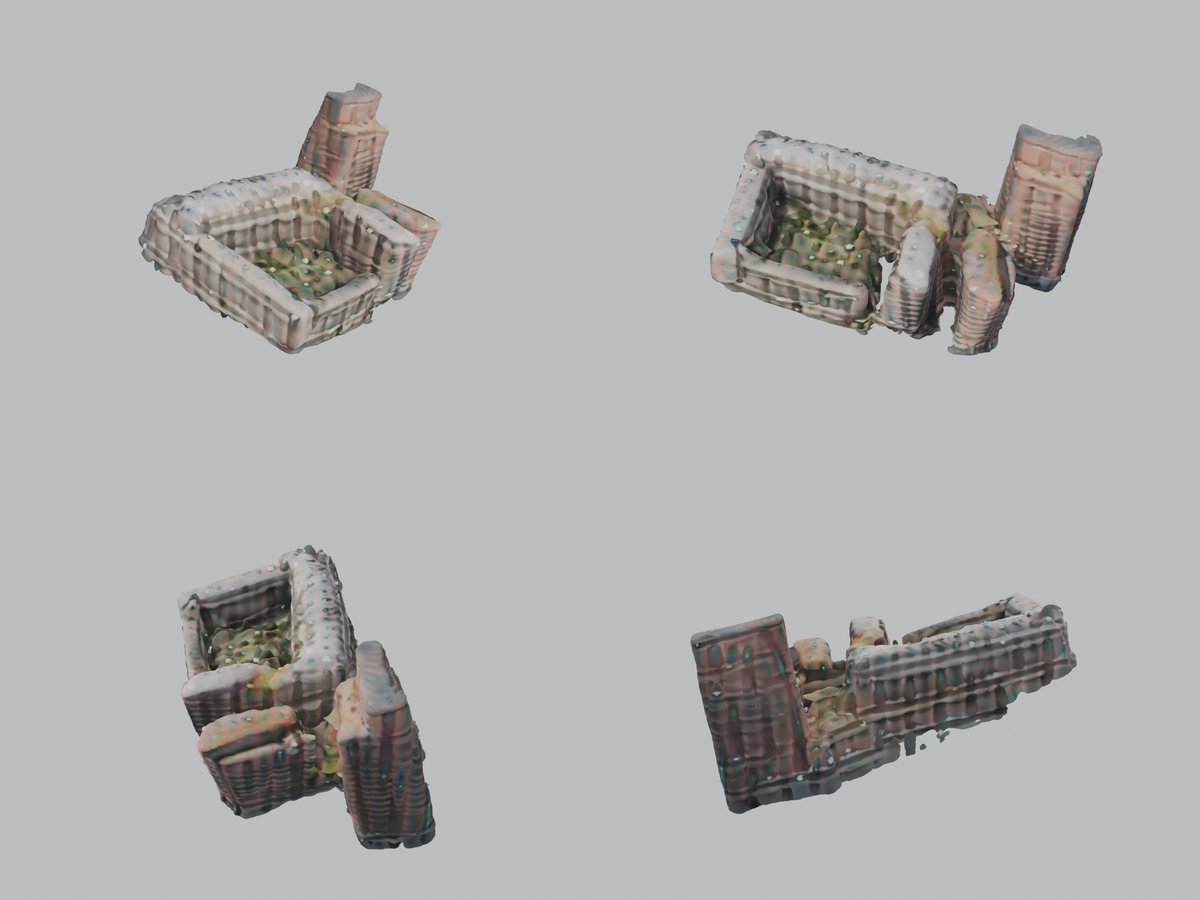
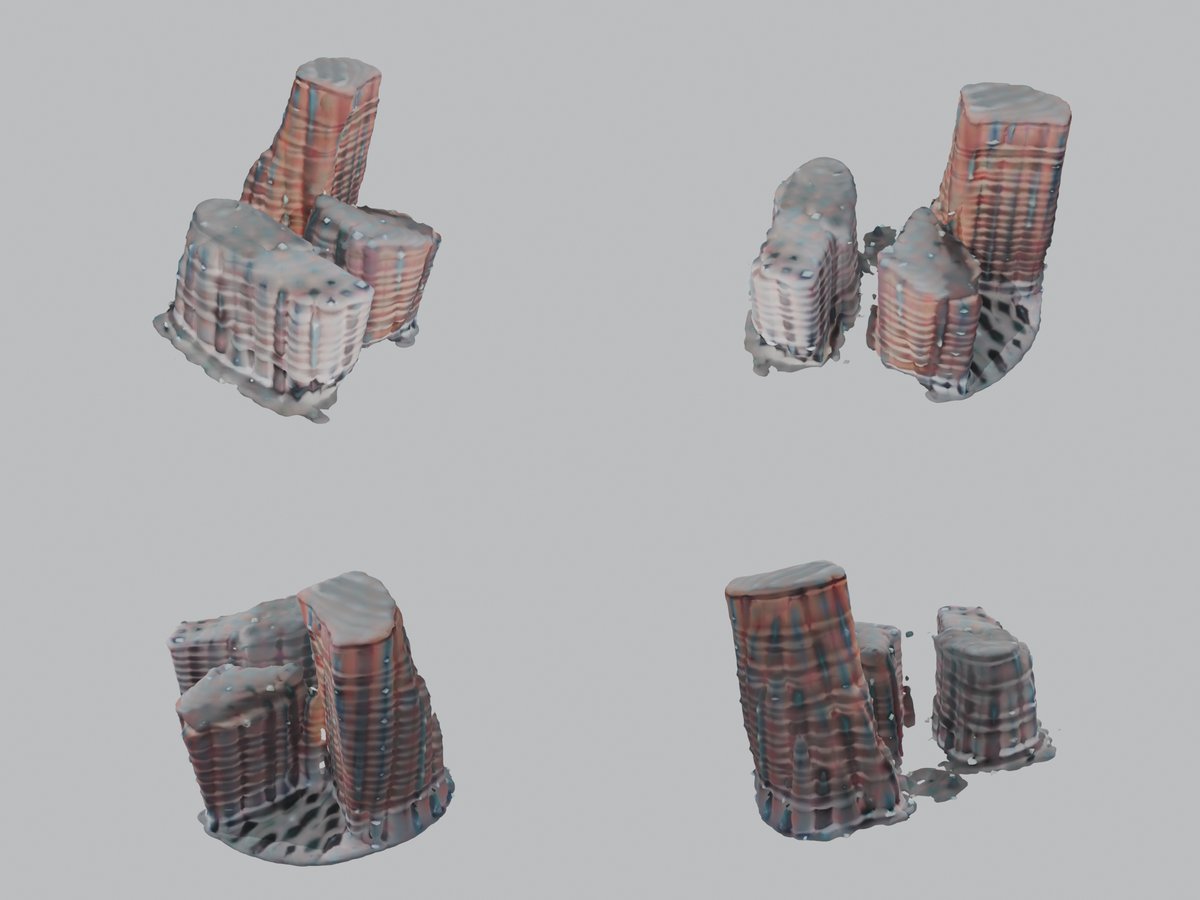
TripoSR, single image to 3D
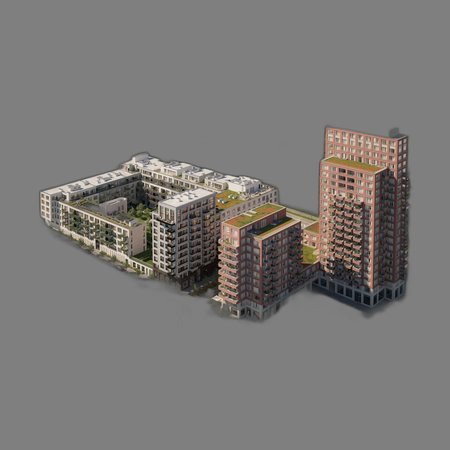
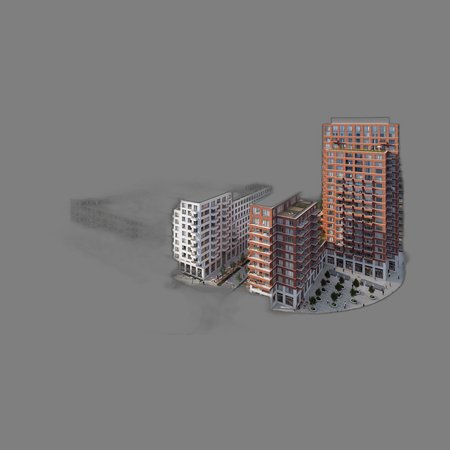
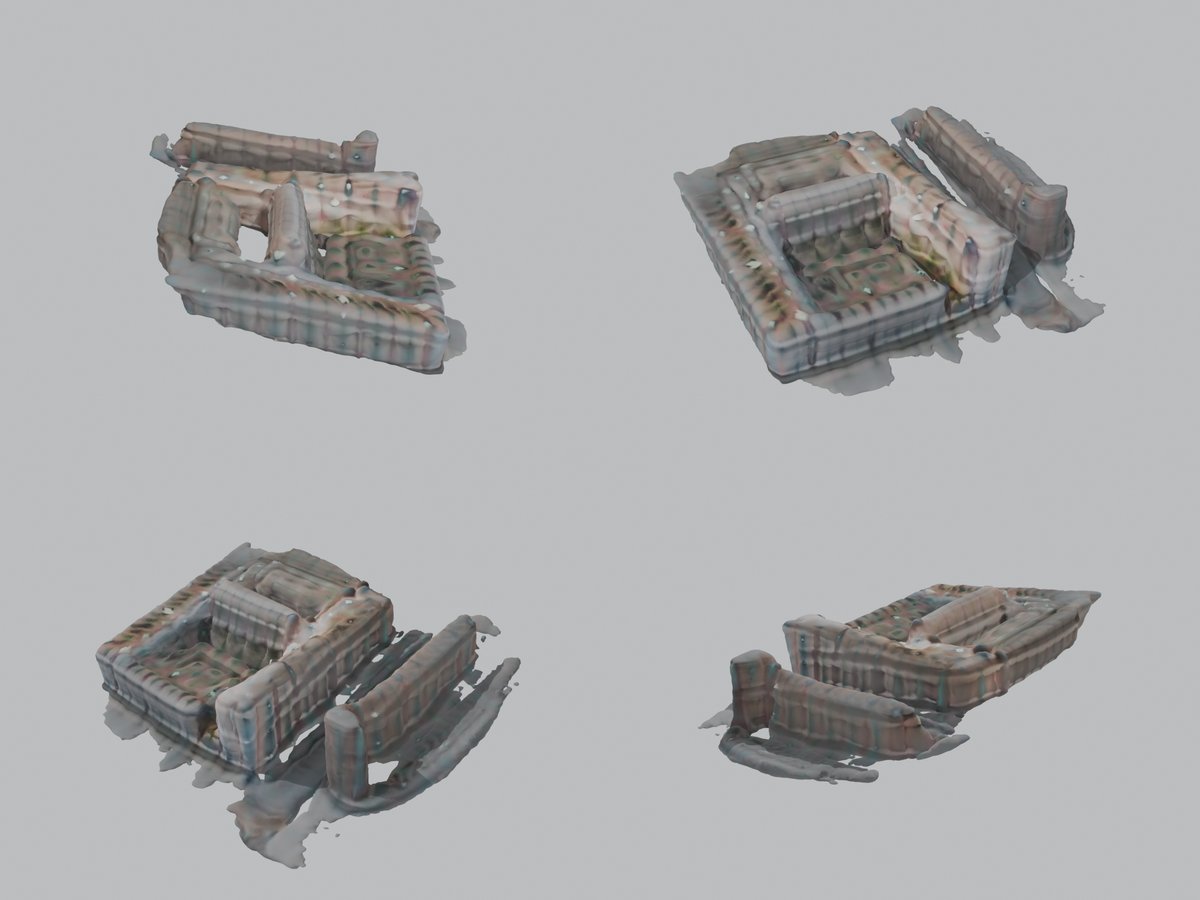
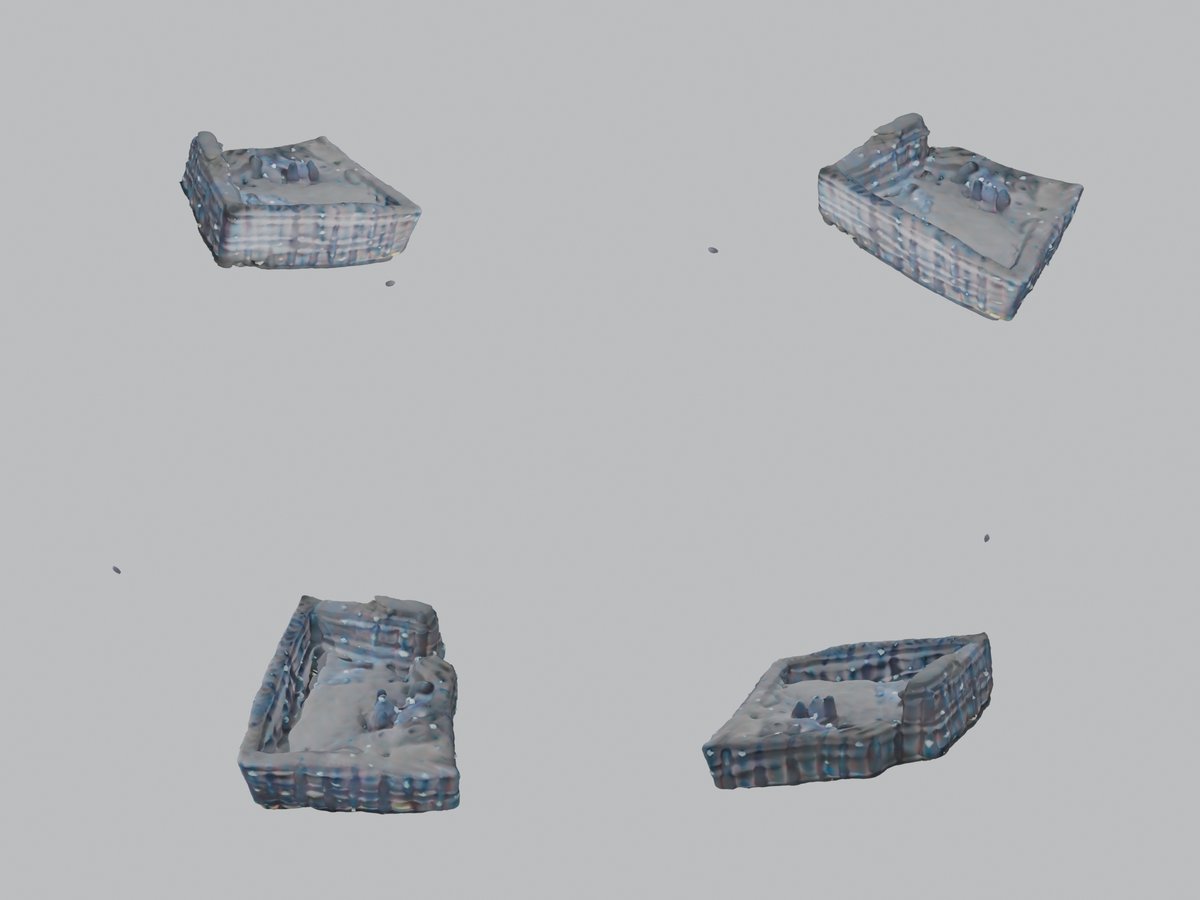
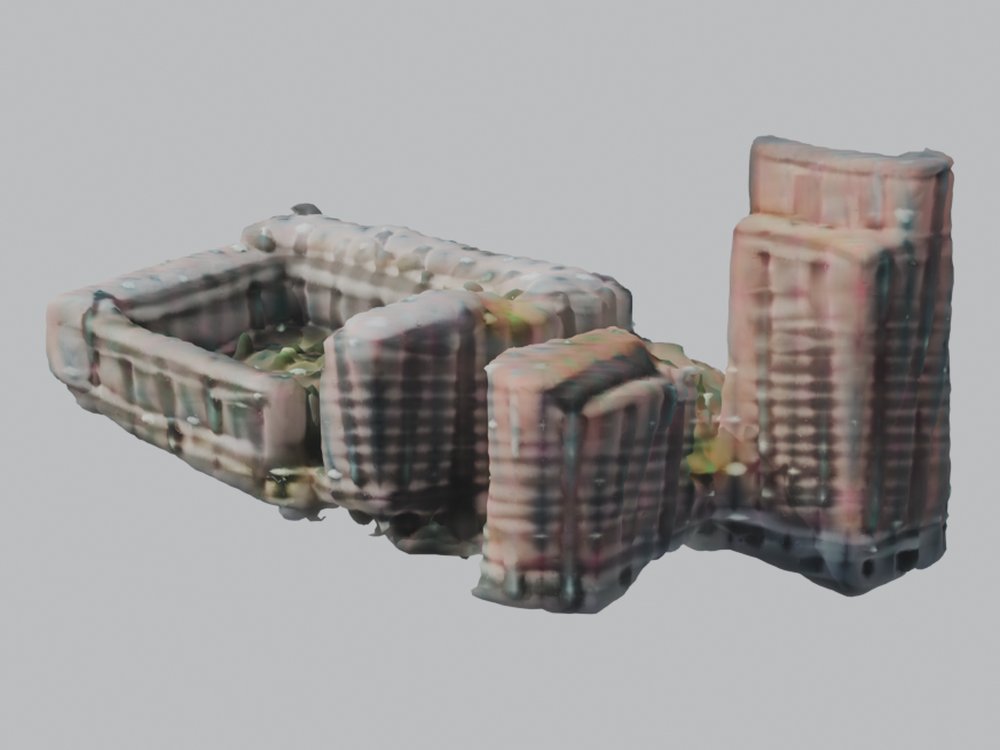
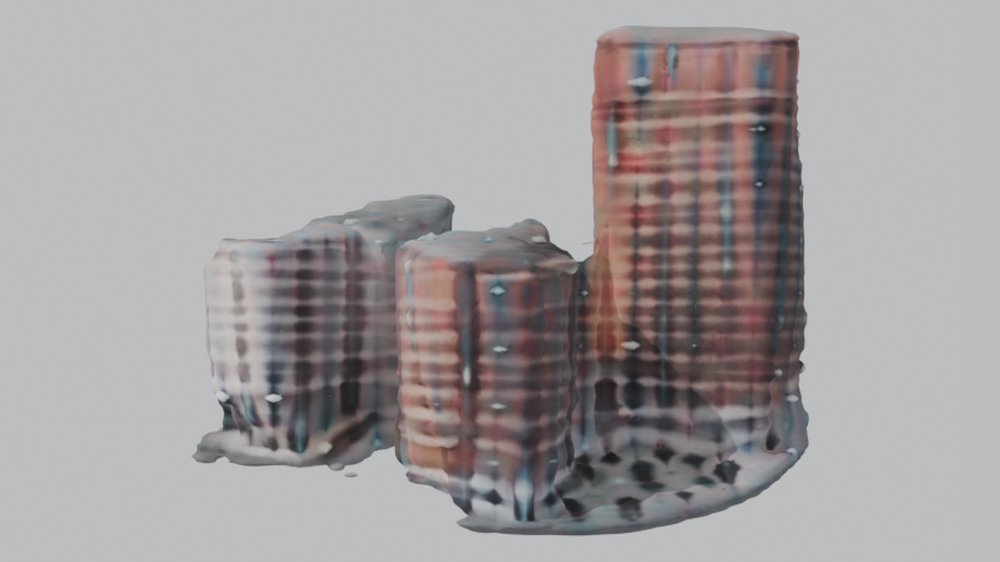
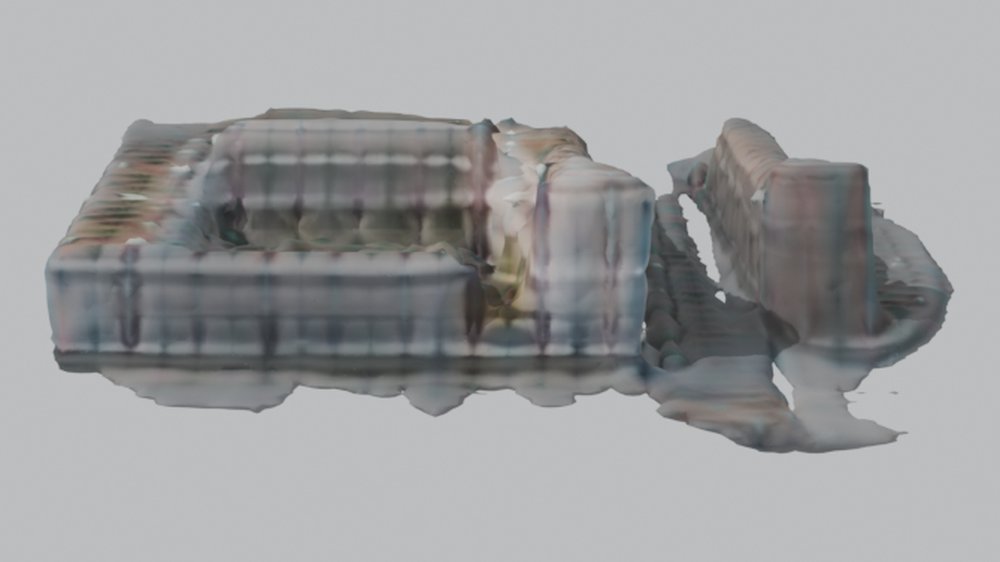
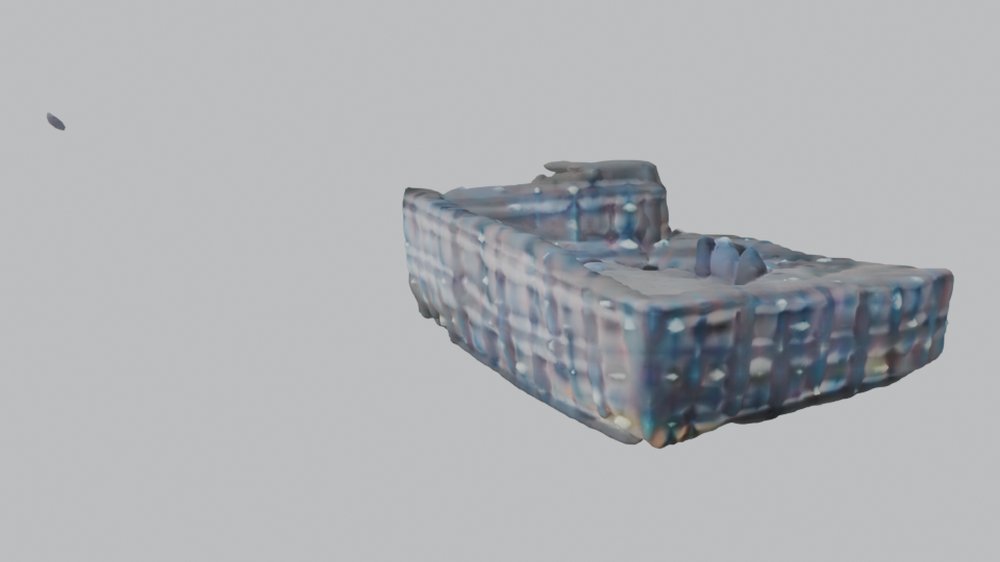
Tripo's open-source model (MIT), run locally on one render at a time after automatic background removal. One result per input view.
- Fully automatic, about 2.5 minutes per image on a laptop GPU
- Blobby shapes, no straight walls or storeys, tower too short
- Each view gives a different, inconsistent model
image-blaster and hosted Tripo
image-blaster only orchestrates paid cloud APIs (World Labs Marble for a Gaussian-splat environment, Hunyuan 3D on FAL for objects) and needs keys for both. Tripo's hosted models need an account; the free plan is a small monthly credit allowance, non-commercial, with public models. Neither ran here.
All three methods, same views
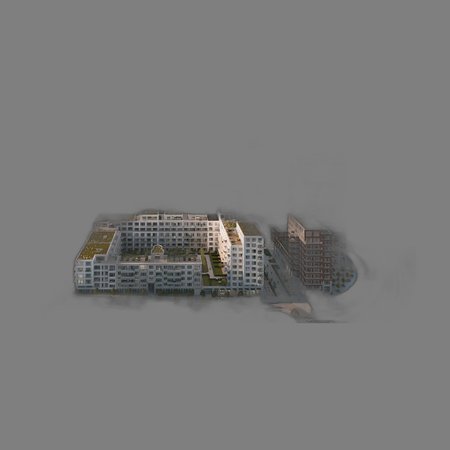
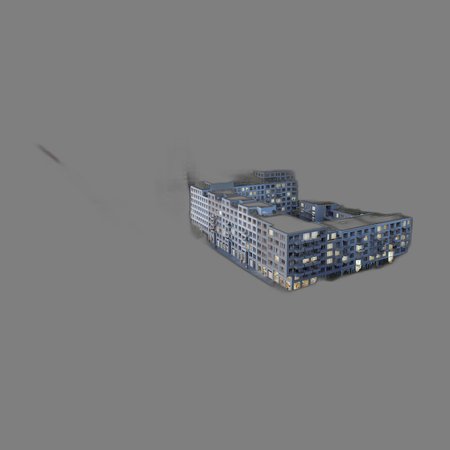
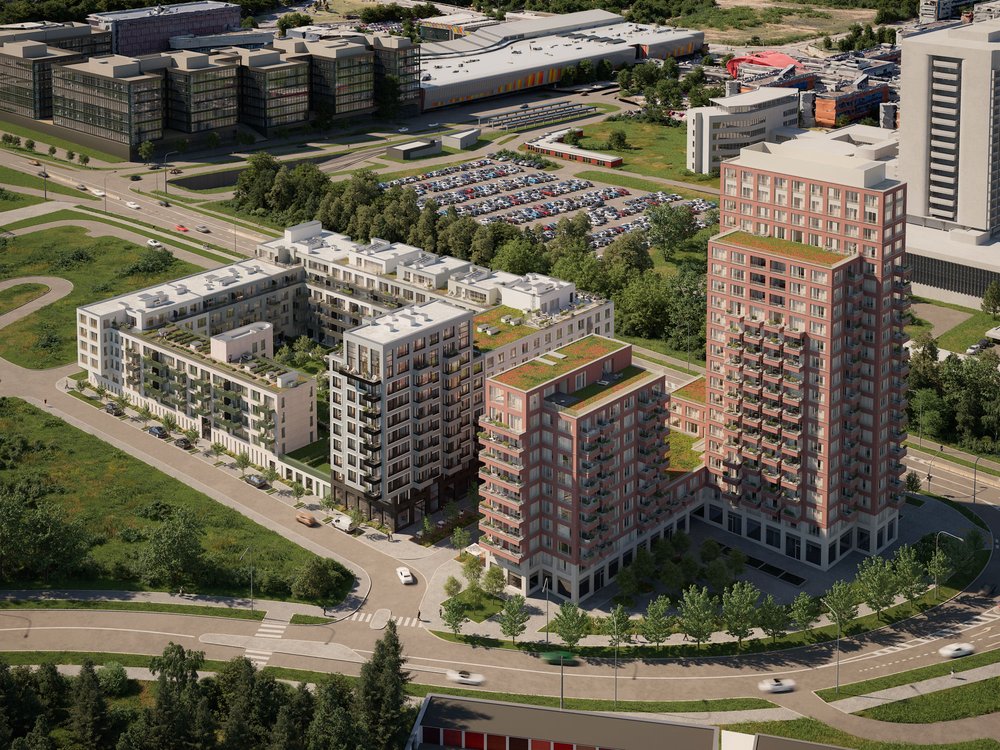
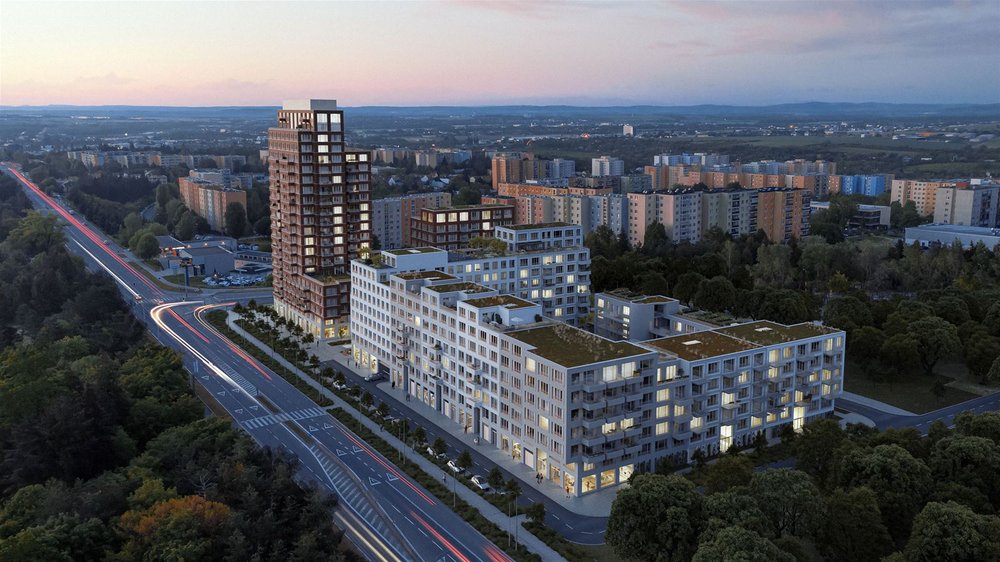
For each supplied render: the render itself, then each method seen from that camera. Methods 1 and 2 use the camera fitted to the render; TripoSR is shown from its own input camera, run on that render alone, so it only ever sees one view.
View 3, high aerial from the plaza corner
View 4, aerial from the plaza
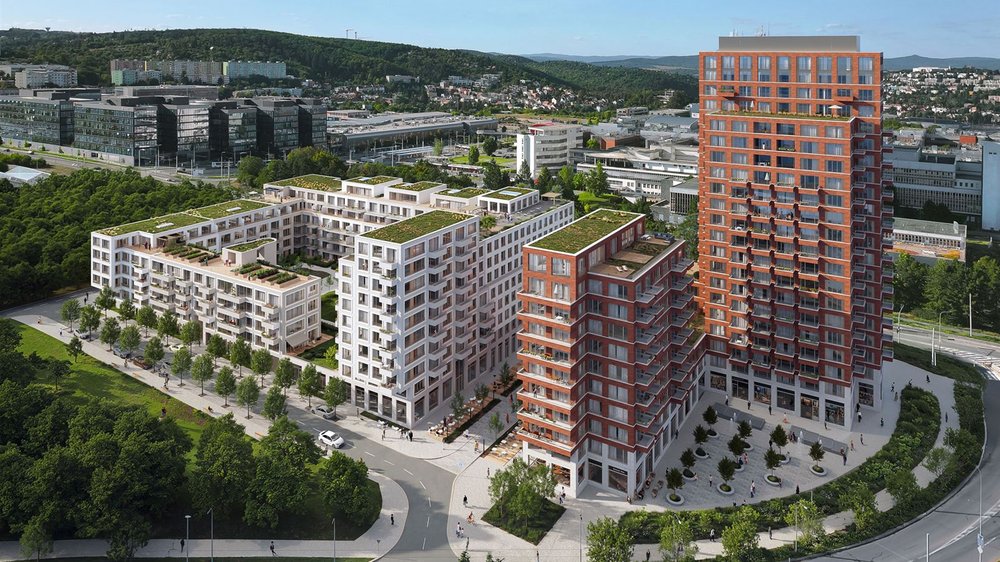
View 2, into the white courtyard
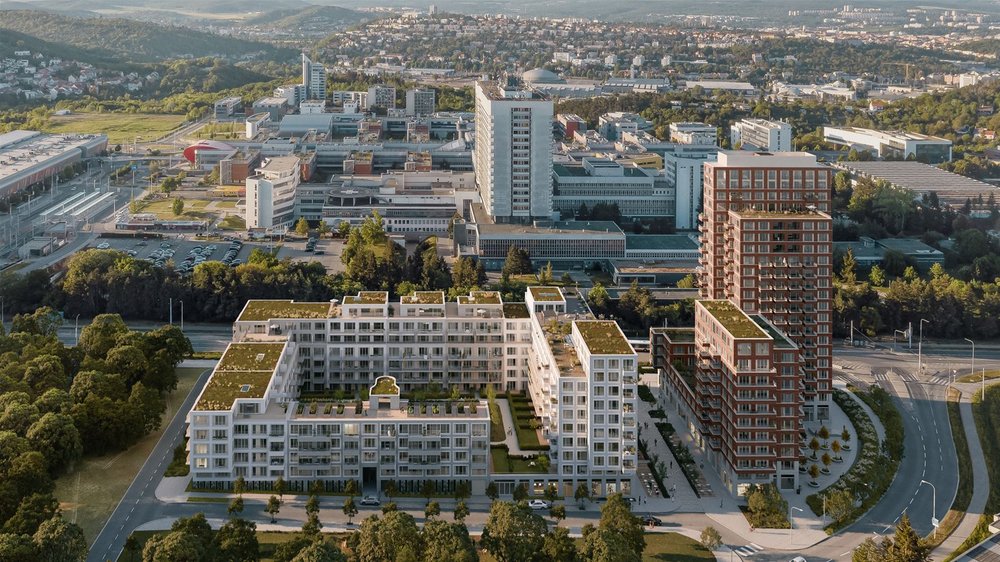
View 1, dusk; the weakest camera match
Away from the reference views
The projected model from three viewpoints no render covers. This is where projection texturing breaks down.
TripoSR results
Left: the input after background removal. Right: the generated mesh from four directions.